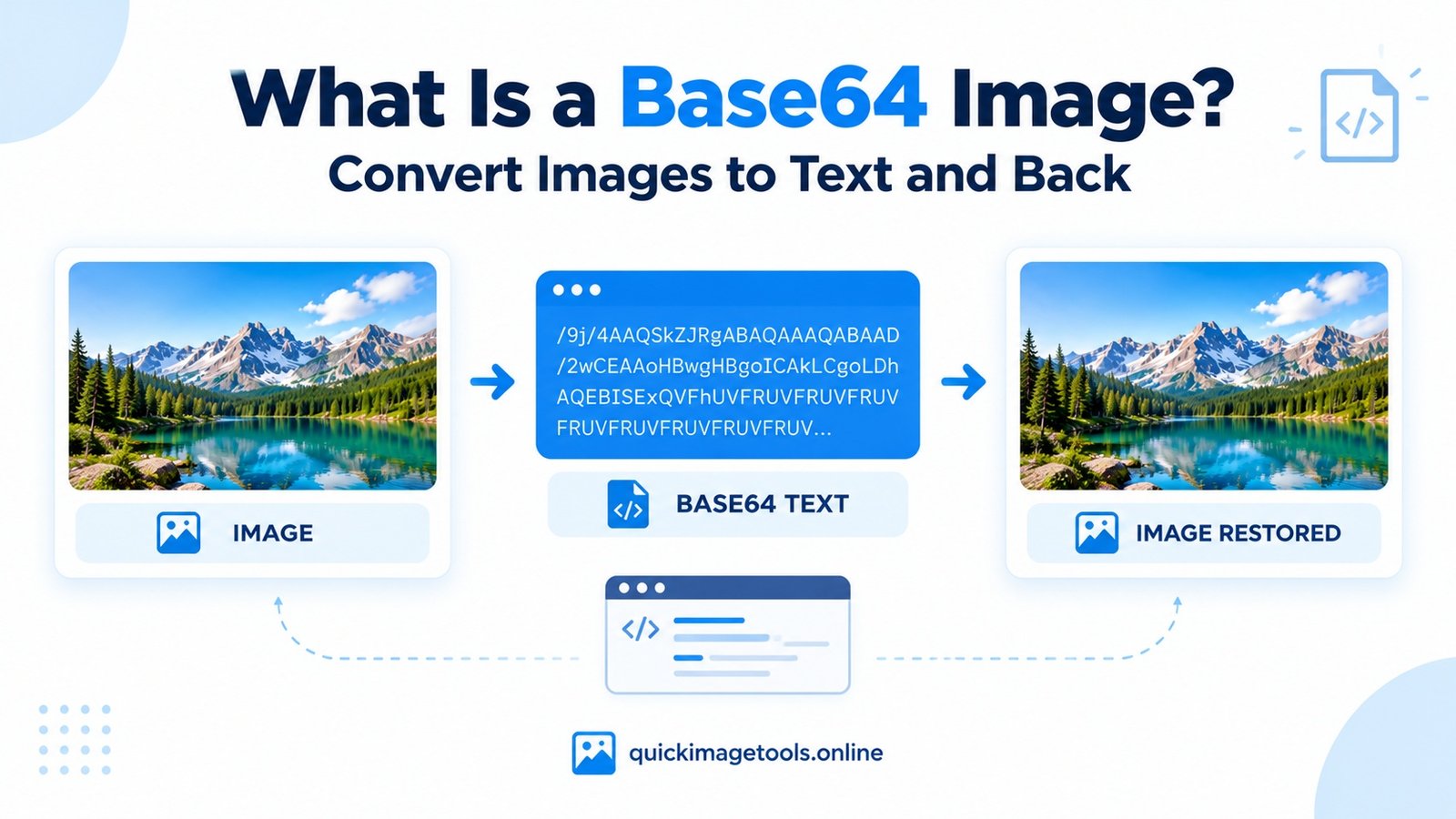
Have you ever seen a long string of letters, numbers and symbols instead of an image? You may have been looking at Base64 image data. It can look confusing at first, especially if you are used to working with normal JPG or PNG files.
So, what is a Base64 image, and why do developers use it? In simple terms, Base64 lets you represent image data as text. This can be useful when working with websites, HTML, CSS and applications that need to include image data in a text-based format.
In this guide, you will learn how Base64 images work, when to use them, and how to convert an image into Base64. You will also learn how to turn Base64 data back into a viewable image using our browser-based tools.
What Is a Base64 Image?
A Base64 image is image data represented as a text string using Base64 encoding. Instead of storing the image only as a separate JPG, PNG or WebP file, you can represent its data using text characters.
For example, a PNG image encoded as a data URL may begin with data:image/png;base64,. The text after the comma contains the encoded image data.
The result can look very long. That is normal because the text represents the contents of the image, not a short description of it.
However, Base64 does not automatically improve image quality or make a file smaller. It changes how the data is represented.
How Does Base64 Image Encoding Work?
Base64 encoding converts groups of binary data into a set of text characters. Computers can then carry that data through systems that work with text.
Here is the basic process:
- Start with an image, such as a JPG or PNG.
- Read the image’s binary data.
- Encode that data as Base64 text.
- Use the resulting string where a text-based image representation is supported.
- Decode the string when you need to recover the original image data.
For example, a data URL usually follows this pattern:
data:image/png;base64,ENCODED_IMAGE_DATA
The image/png part identifies the image format. The base64 label tells the browser how to interpret the data that follows.
The example above is only a pattern, not a complete working image. A real data URL needs the actual encoded content.
How to Convert an Image to Base64 Online
You do not need to write code just to encode a picture. Our Image to Base64 tool can help you convert an image into text directly in your browser.
Follow these steps:
- Open the Image to Base64 Converter.
- Select an image from your device.
- Wait for the tool to process the file.
- Copy the generated Base64 text or data URL.
- Paste it into your project or save it somewhere safe if you need it later.
The exact controls depend on the tool’s current interface. Always check that the output is complete before using it in your code.
Which image formats can you use?
Common image formats include JPG, PNG and WebP. Support depends on the tool and the way you intend to use the encoded result.
For a website, choose the format that suits the image. For example, JPG can work well for photographs, while PNG supports transparency. WebP may offer a useful balance between file size and visual quality.
If you need to change a format before encoding, you can use our JPG to PNG Converter, PNG to JPG Converter or WebP Converter.
How to Convert Base64 Back to an Image
The reverse process is just as useful. If someone gives you a Base64 image string, you can decode it and download the resulting image instead of trying to read the text manually.
Use these steps:
- Open our Base64 to Image Converter.
- Paste the Base64 text into the input field.
- Include the full data URL if you have one. If you have raw Base64 text, use it if the tool supports that format.
- Preview the image to check that it decoded correctly.
- Choose an available output format and download the image.
If the preview fails, check whether the string is incomplete. Also make sure you copied the correct data and did not include extra quotation marks or unrelated code.
Keep in mind that a valid Base64 string is not necessarily an image. The data must contain a supported image format for the conversion to work.
Base64 Images vs. Regular Image Files
Both approaches can represent the same image, but they serve different purposes.
| Feature | Base64 image data | Regular image file |
|---|---|---|
| Representation | Text string | Binary file |
| Easy to read visually | No | Not as raw binary |
| Separate file required | Not always | Usually |
| Useful in HTML or CSS | Sometimes | Yes, through a file URL |
| Easy to manage large images | Often less convenient | Usually more convenient |
| File size | Encoding adds overhead | Depends on the image format and compression |
Base64 encoding typically increases the size of the underlying data by roughly one-third, before considering any additional data URL characters. Therefore, converting an image to Base64 is not the same as compressing it.
If your goal is to reduce an image’s file size, use our Image Compressor instead. You can also read our guide on how to compress an image without losing too much quality.
When Should You Use a Base64 Image?
Base64 is useful in some situations, but it is not the best choice for every image.
1. Small icons and simple graphics
A small icon may be convenient to include directly in a data URL. This can help when you need a self-contained snippet rather than a separate image file.
However, many icons work better as SVG files or icon fonts, depending on the project.
2. Small images inside HTML or CSS
A developer may embed a small image in HTML or CSS using a data URL. This keeps the image data in the same piece of code.
Still, large data URLs can make code harder to read and maintain. They may also increase the amount of data a page must transfer.
3. Sending image data through text-based systems
Some APIs and applications expect image data in a particular encoded form. Base64 can be useful when the system specifically requires it.
Always check the receiving system’s requirements. Some services accept a file upload or URL instead, and those options may be simpler.
4. Testing and troubleshooting
Developers sometimes use Base64 strings to test image handling or investigate problems with data URLs. Converting the text back into an image can help confirm whether the data is valid.
When Should You Avoid Base64 Images?
Base64 is not automatically better than using a normal image file. For large photos, banners and website graphics, a separate compressed image is often easier to maintain.
For example, embedding a large photograph as Base64 can make an HTML document much longer. It can also prevent the image from being cached separately from the document in the same way as a normal image resource.
Before embedding an image, consider these questions:
- Is the image small enough to embed conveniently?
- Does the application actually require Base64?
- Would a regular image URL be easier to update?
- Have you checked the final data size?
- Does the receiving system support the image format?
If the image is intended for a blog post or website, start with a properly sized and compressed file. Our Image Resizer can help you adjust its dimensions before you use it.
Does Base64 Make Images Smaller?
No. Base64 is an encoding method, not an image compression method.
In most cases, Base64 text takes more space than the original binary image data. The increase is usually around 33%, although the complete result also depends on the data URL prefix and how the text is stored.
To reduce image size, resize the image when appropriate and use a suitable format and compression setting. Our guide to JPG vs PNG explains why these formats can have different file sizes. You can also learn what WebP is and when to use it.
For a quick numerical comparison, use our File Size Converter. It converts between common units such as KB, MB and GB.
Common Base64 Image Problems and How to Fix Them
A Base64 image may fail to display for several reasons. Fortunately, a few simple checks can help you find the cause.
The Base64 string is incomplete
A copied string may be cut off because it is too long for the selected field or editor. Copy the complete output and try again.
The data URL prefix is missing
Some tools accept raw Base64 text, while others expect a complete data URL. If the converter does not recognize your input, check its instructions and provide the required format.
The image format is unsupported
The data may represent a format that your browser or conversion tool does not support. Try converting the original file into a common format such as PNG or JPG first.
Extra characters were included
Quotation marks, spaces or unrelated code can interfere with decoding in some situations. Copy only the required image data and follow the converter’s input instructions.
The image is too large
Large Base64 strings can be difficult to copy, store or paste into an editor. Consider resizing or compressing the image first, especially when you only need it for a small display area.
You can also use our Image Cropper to remove unwanted areas, or our Image Rotator and Image Flipper to adjust its orientation.
A Simple Workflow for Working With Images
You can save time by preparing an image before encoding it.
First, choose the right dimensions for where the image will appear. Next, compress it if the file is unnecessarily large. Then select a suitable format and convert it to Base64 only if your project needs that representation.
If you need to work with other formats, visit the JPG to PNG tool, PNG to JPG tool or WebP Converter.
If you want to change the dimensions, use the Image Resizer. To reduce the file size, try the Image Compressor.
You can explore all available utilities on our Tools page.
For developers who need the technical details, the MDN guide to data URLs explains how data URLs work and how browsers interpret them.
Frequently Asked Questions
What is a Base64 image in simple words?
A Base64 image is image data represented as text. It allows image data to be included in places that support Base64 strings or data URLs.
Can I convert JPG or PNG to Base64?
Yes. A suitable converter can encode supported image files as Base64 text. The formats you can use depend on the converter.
Can I turn Base64 into a JPG or PNG?
Yes, if the Base64 data contains a valid image in a supported format. Use a Base64-to-image converter to preview and download the result.
Is Base64 the same as encryption?
No. Base64 is an encoding method, not encryption. It does not protect confidential information, and anyone with the encoded data may be able to decode it.
Does Base64 improve image quality?
No. Encoding changes the way the data is represented. It does not improve the image’s visual quality.
Should I use Base64 for every website image?
No. Base64 may suit small images or specific technical requirements. Regular image files are often easier to manage for larger graphics and photographs.
Final Thoughts
Base64 image encoding can be useful when you need to represent image data as text. It can help with small embedded graphics, data URLs and certain development workflows.
However, Base64 is not a replacement for image compression or a universal solution for website images. Choose it when your project needs encoded image data, and use regular image files when they are easier to manage.
If you want to try it yourself, start with our Image to Base64 Converter. If you already have encoded data, use the Base64 to Image Converter to turn it back into a viewable image.